


 Pace Glass Security
Which route into your estate would you close first?
Pace Glass Security ranks paths through exposed networks, devices and accounts. Follow each step to the asset at risk and see which change would break the path.
Licensed per collector · A workspace in Pace Glass and, on the Mac, an app of its own
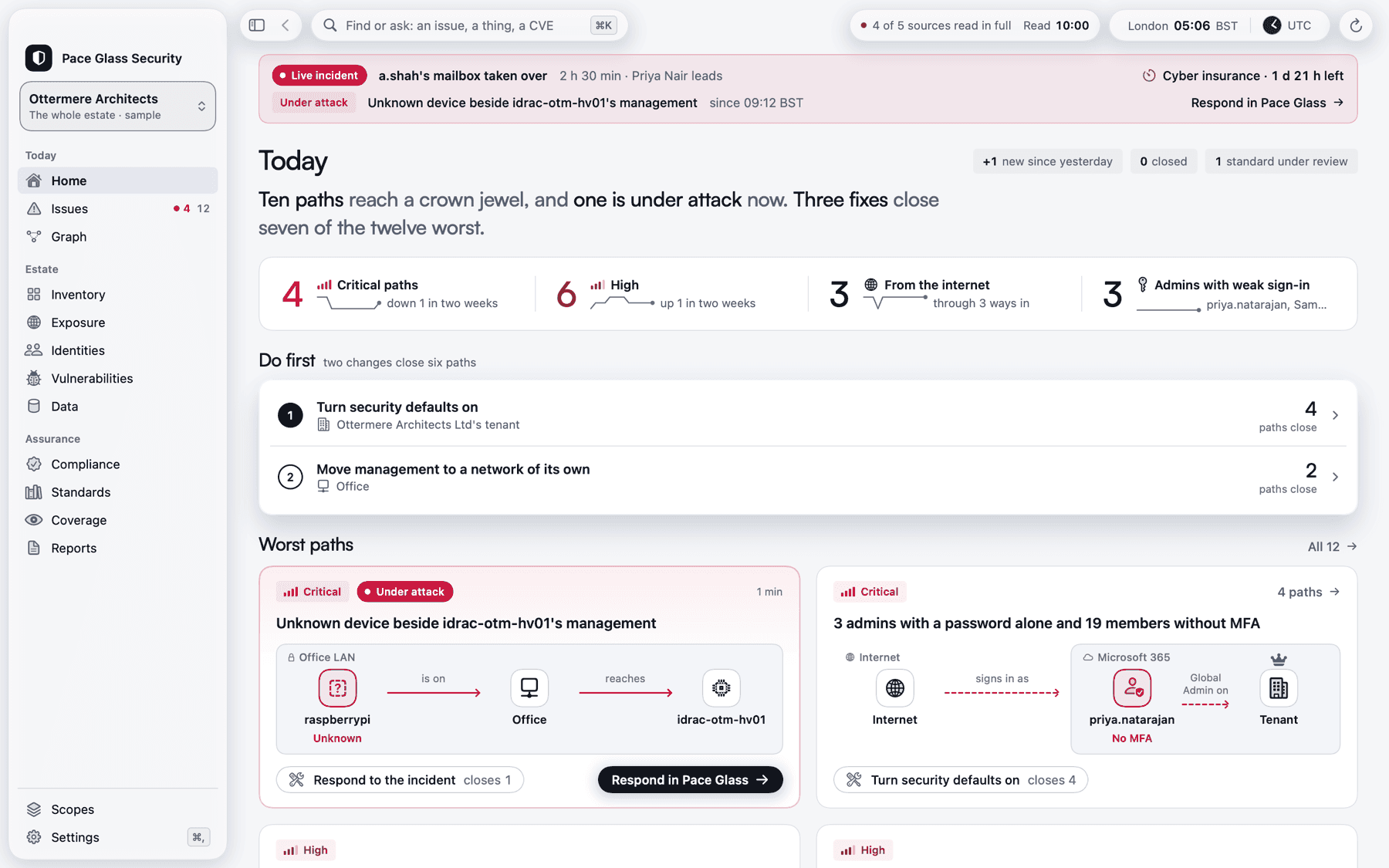
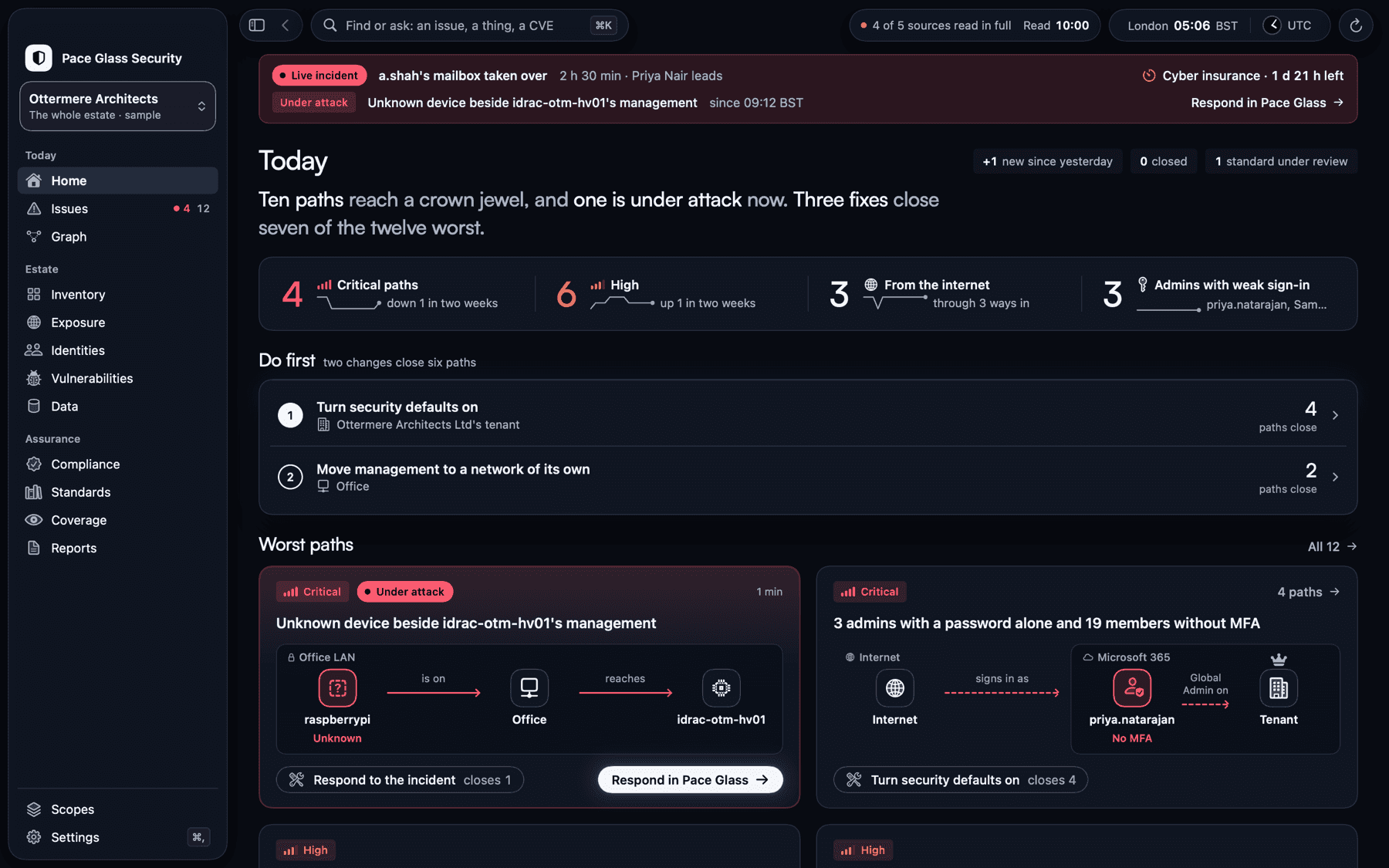
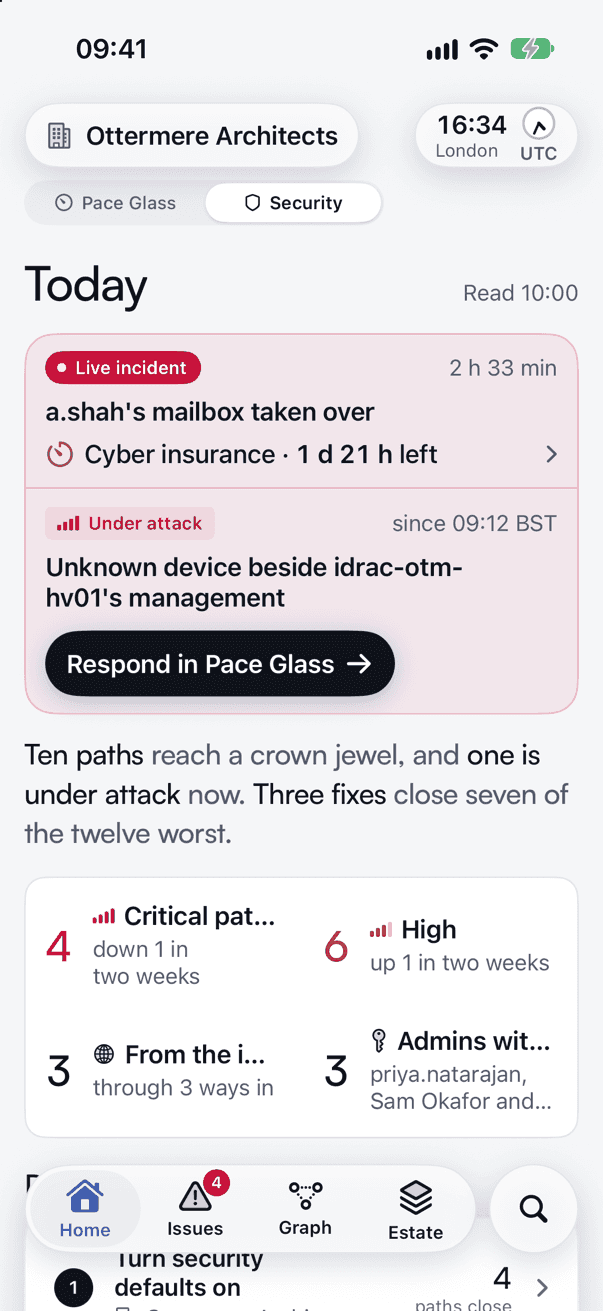
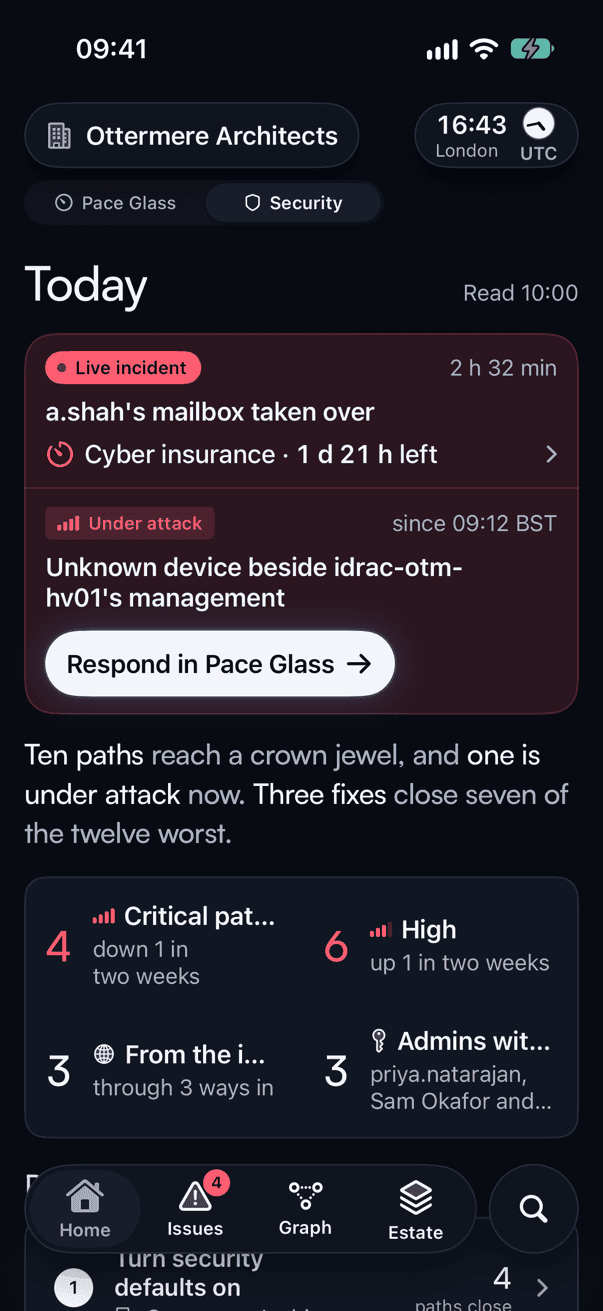
- EntryInternet
- ExposureForwarded management port
- Asset at riskHypervisor console
Trace the evidence and the fix
The gateway forwards a public port to the management console. Security joins the forwarding rule to the destination device and shows when each was last read.
Break the path. An operator restricts the rule to the management network. The next sweep checks whether an external route still reaches the console.
- Investigate a path
- Follow each hop from an exposed service or stolen identity through the graph. See internet-facing Azure resources, network rules, effective roles and each source’s coverage. The map connects identities to sign-in locations and flags impossible travel. Unknown permissions stay marked as unknown. Search an issue, CVE or advisory directly.
- Work the incident
- See which advisories match your equipment and how likely attackers are to exploit them. Prioritise advisories on an open path to a critical asset. The monitoring cockpit also provides incident clocks, a shift handover, provider health and ransomware backup readiness.
- Approve and verify a fix
- An admin enables individual fix types and grants a separate fix identity the permissions it needs. For supported Azure changes the collector checks the original state, applies the fix, reads it back and tests the path again. If the path stays open, the collector tries to undo reversible changes and flags anything needing manual repair. A signed log records the result. Eligible fixes have a configurable undo window of 24 hours by default.
- Set limited standing approvals
- Admins can pre-authorise revoking sessions and disabling inbox rules that forward mail outside the organisation, within per-person and daily limits. From a Mac, iPad or iPhone, an admin can grant missing Microsoft 365 and Azure permissions or revoke access. Some Exchange permissions need a separate admin step. The collector checks for lost grants daily.
- Prepare for an assessment
- Inspect Cyber Essentials readiness across its five controls, including MFA and high-risk updates. Record who answered questions the collector cannot check. See who lacks MFA on cloud services and device management accounts. Review CIS benchmark results, the standards versions used and a monthly security report covering paths, fixes, advisories and incidents. Readiness is evidence for your assessment.
- Rehearse a compromise
- On Mac and iPad, explore what a stolen account could reach, replay a tabletop incident and inspect MITRE ATT&CK coverage gaps. Opt in to check accounts against breaches for a verified domain. Coverage and breach results are also available in the read-only web console.
On Vision Pro, the morning briefing, guided path and incident views share a room with the estate model. A Mac or iPad can follow the selected finding. An experimental AI second opinion runs in shadow on Fortuna Pace’s own estate. The rules still determine alerts, deadlines and actions.
Ask about Pace Glass SecurityMore screens
Pace Glass Security, page by page.
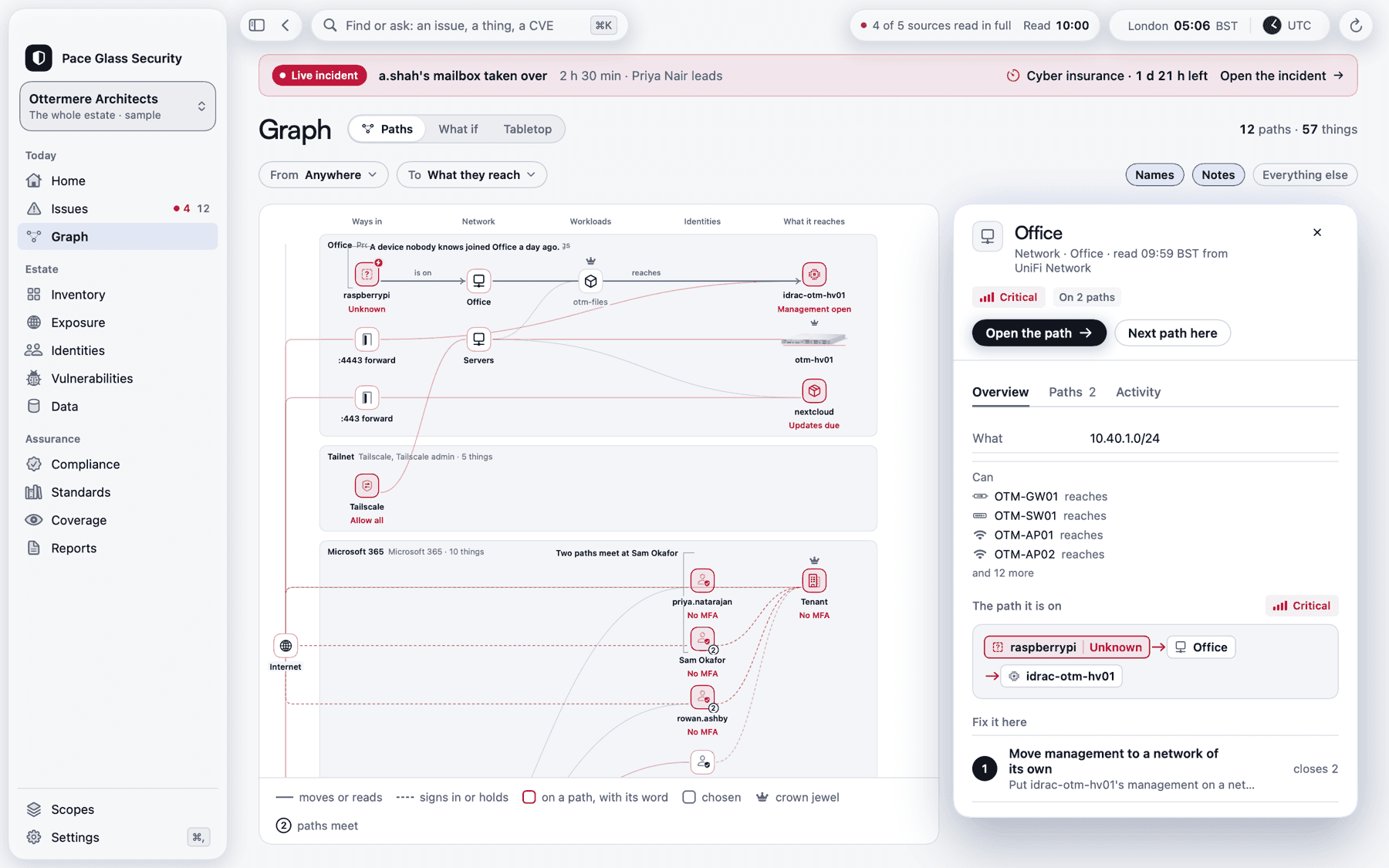
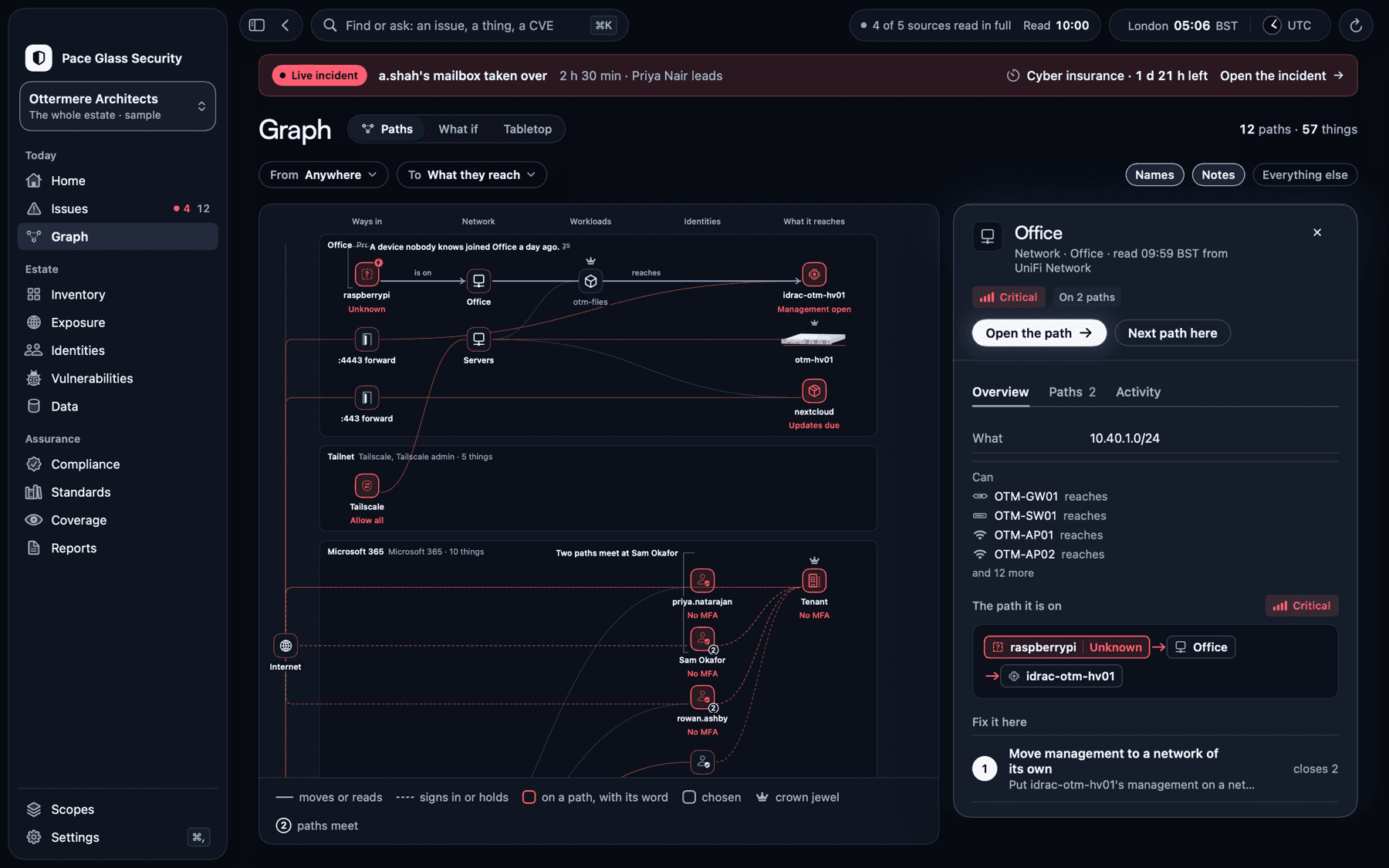
Graph: every way in, followed to what it reaches.
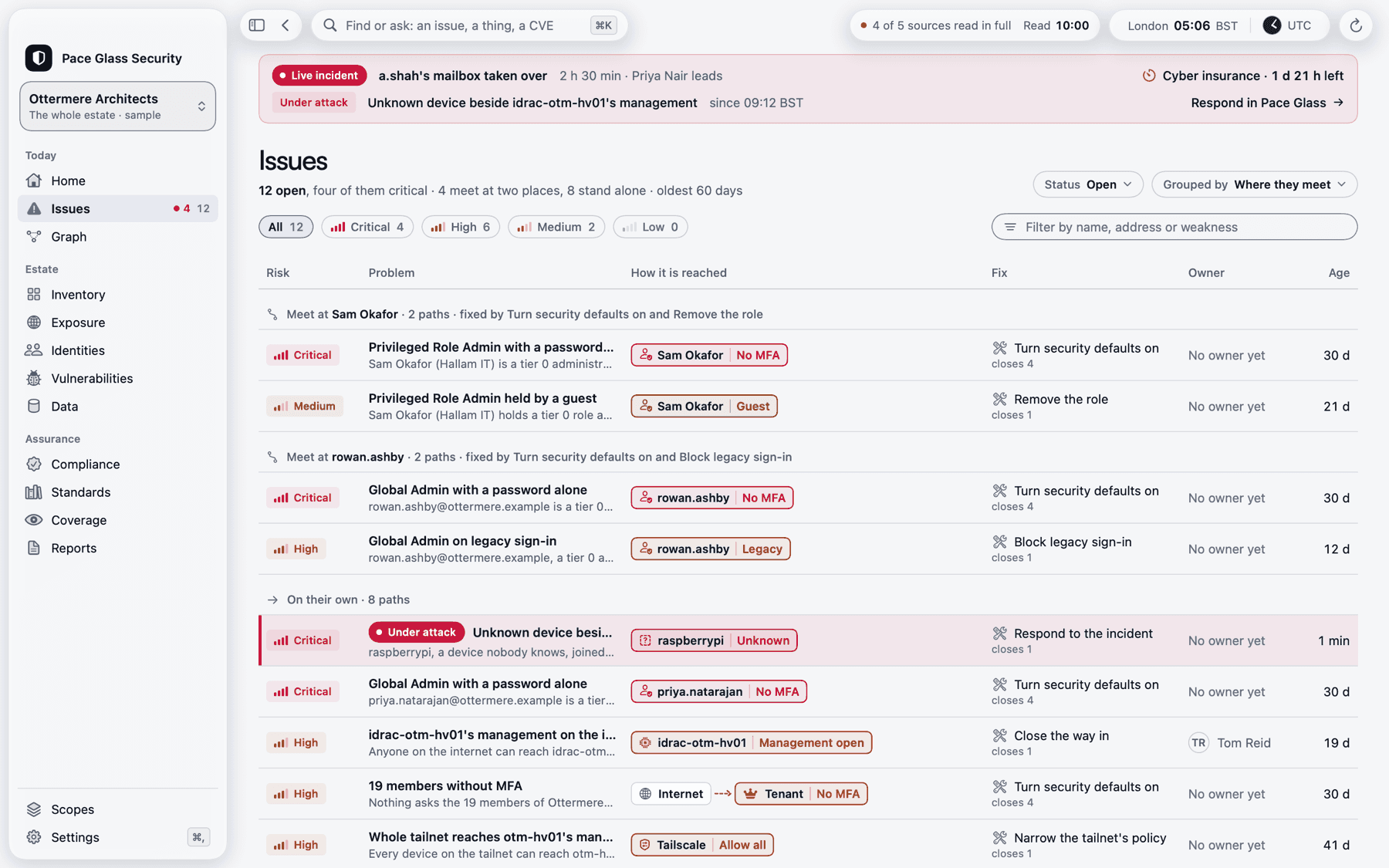
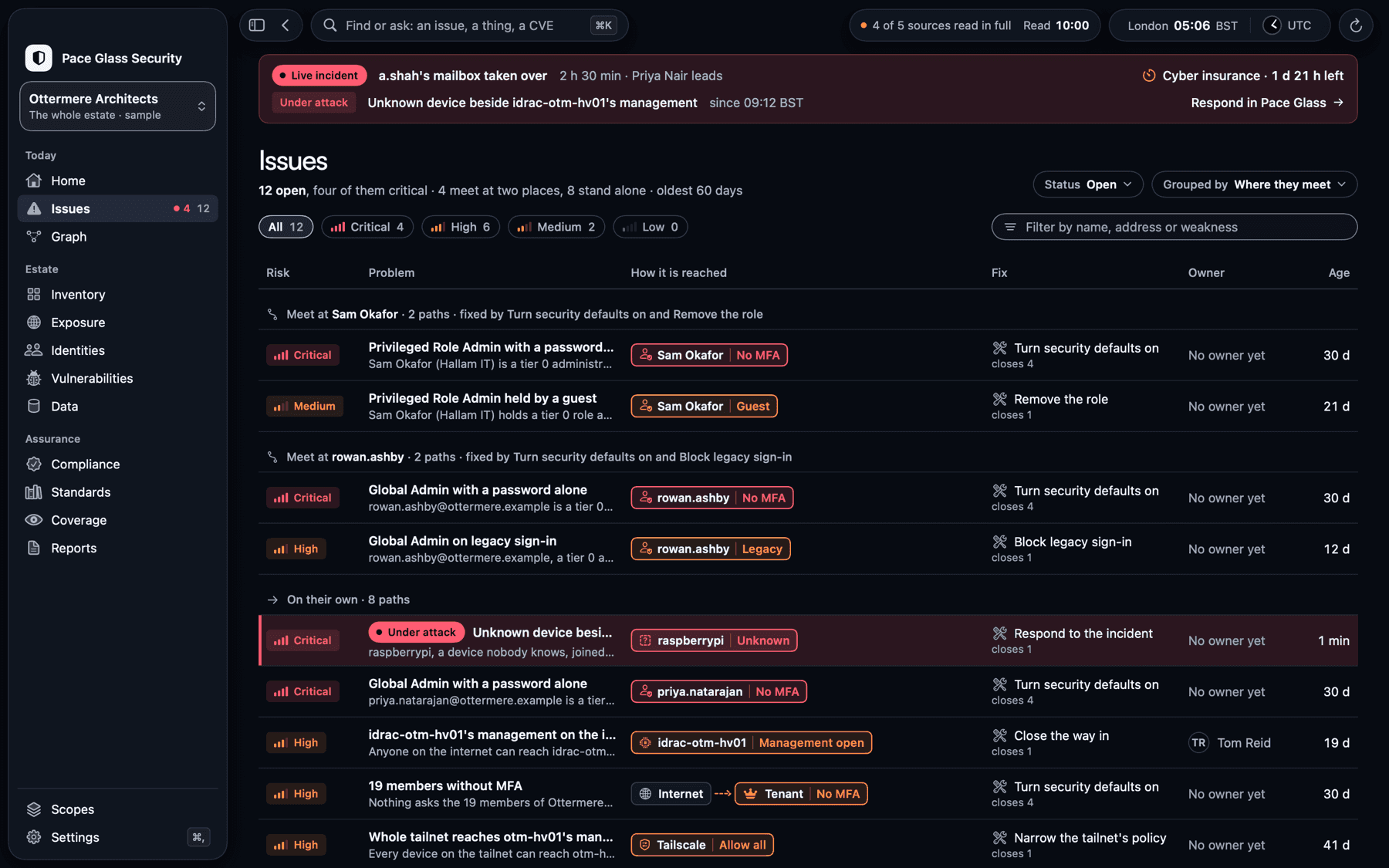
Issues: each path in words, with the fix that closes it.
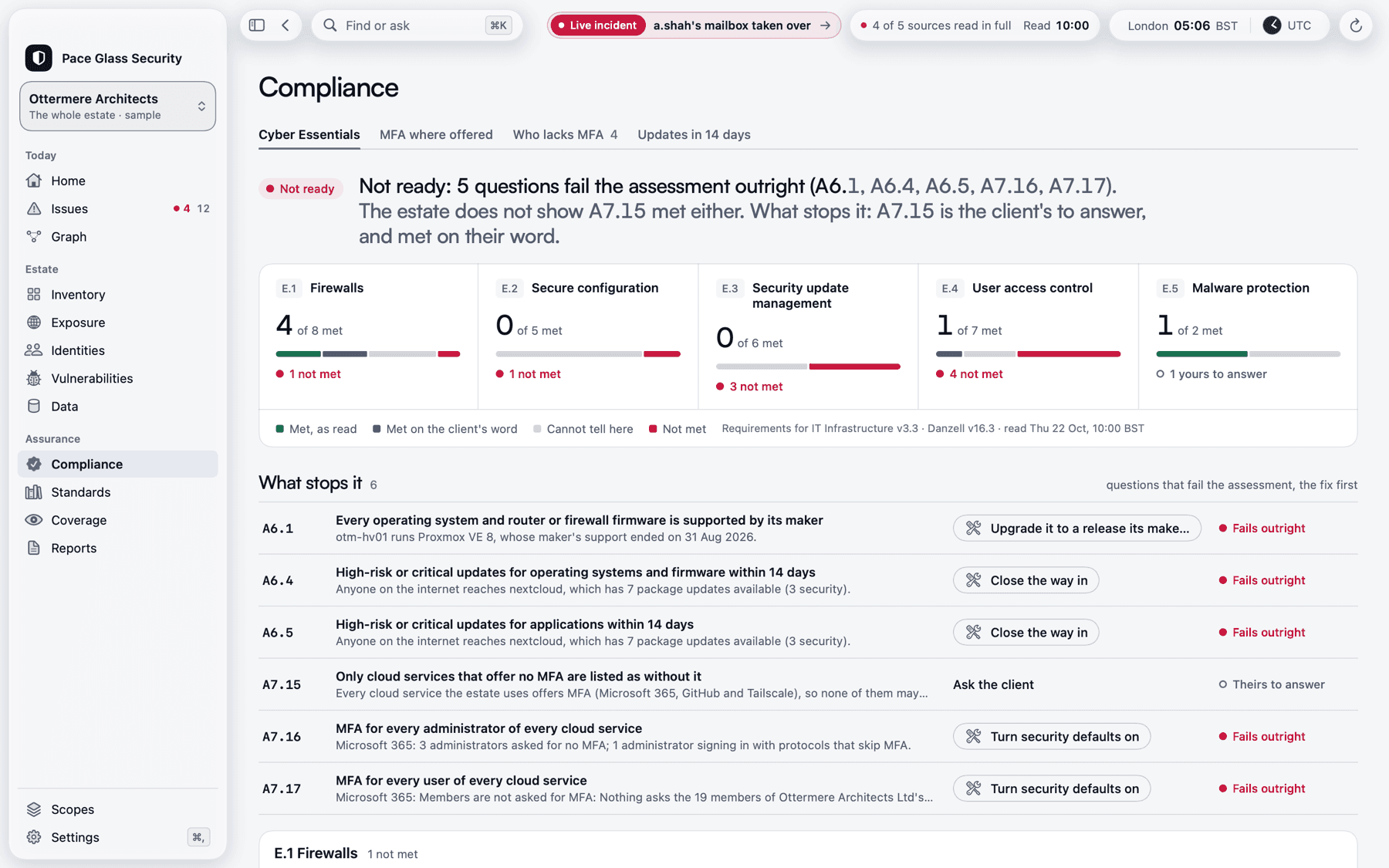
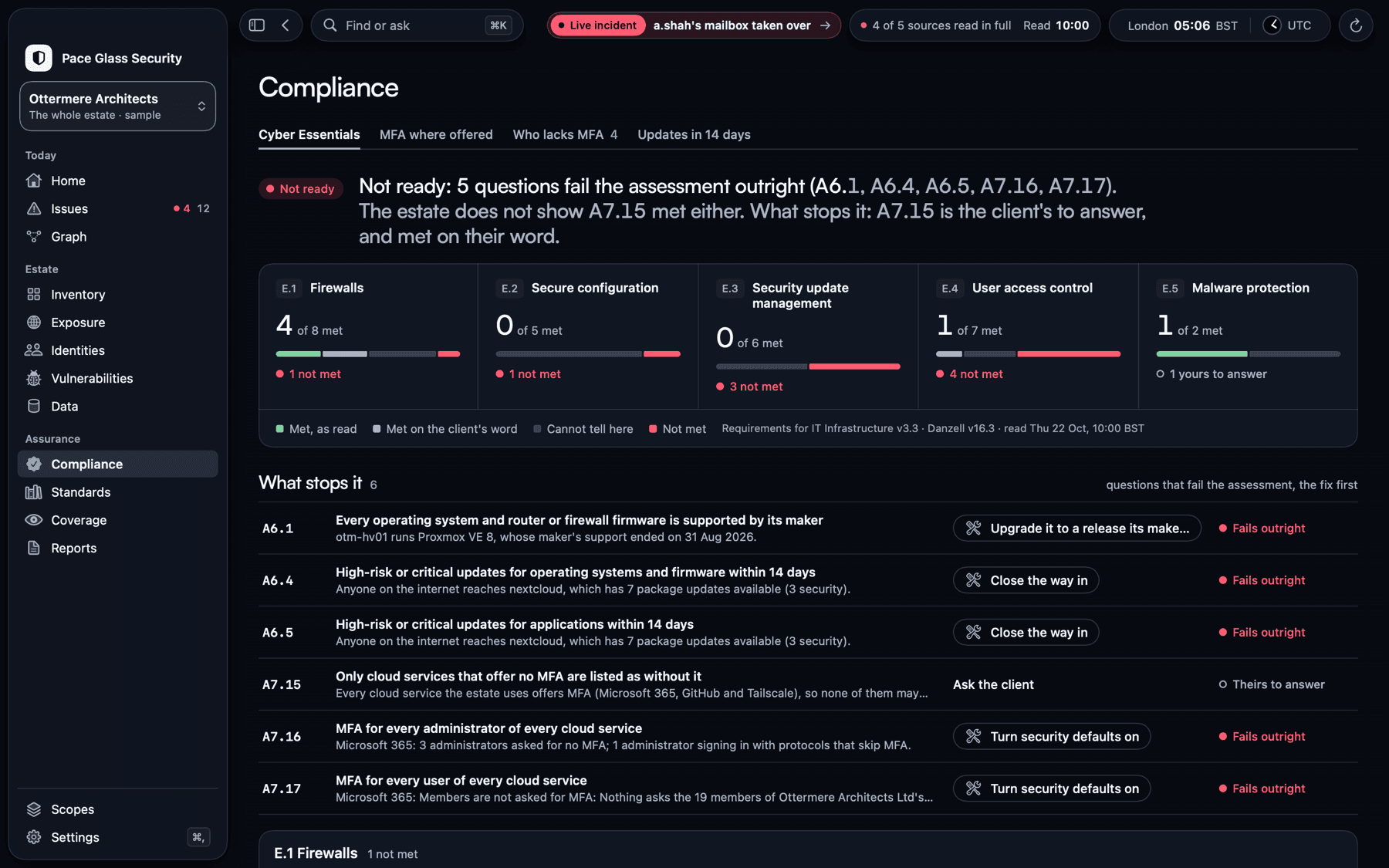
Compliance: Cyber Essentials readiness, question by question.
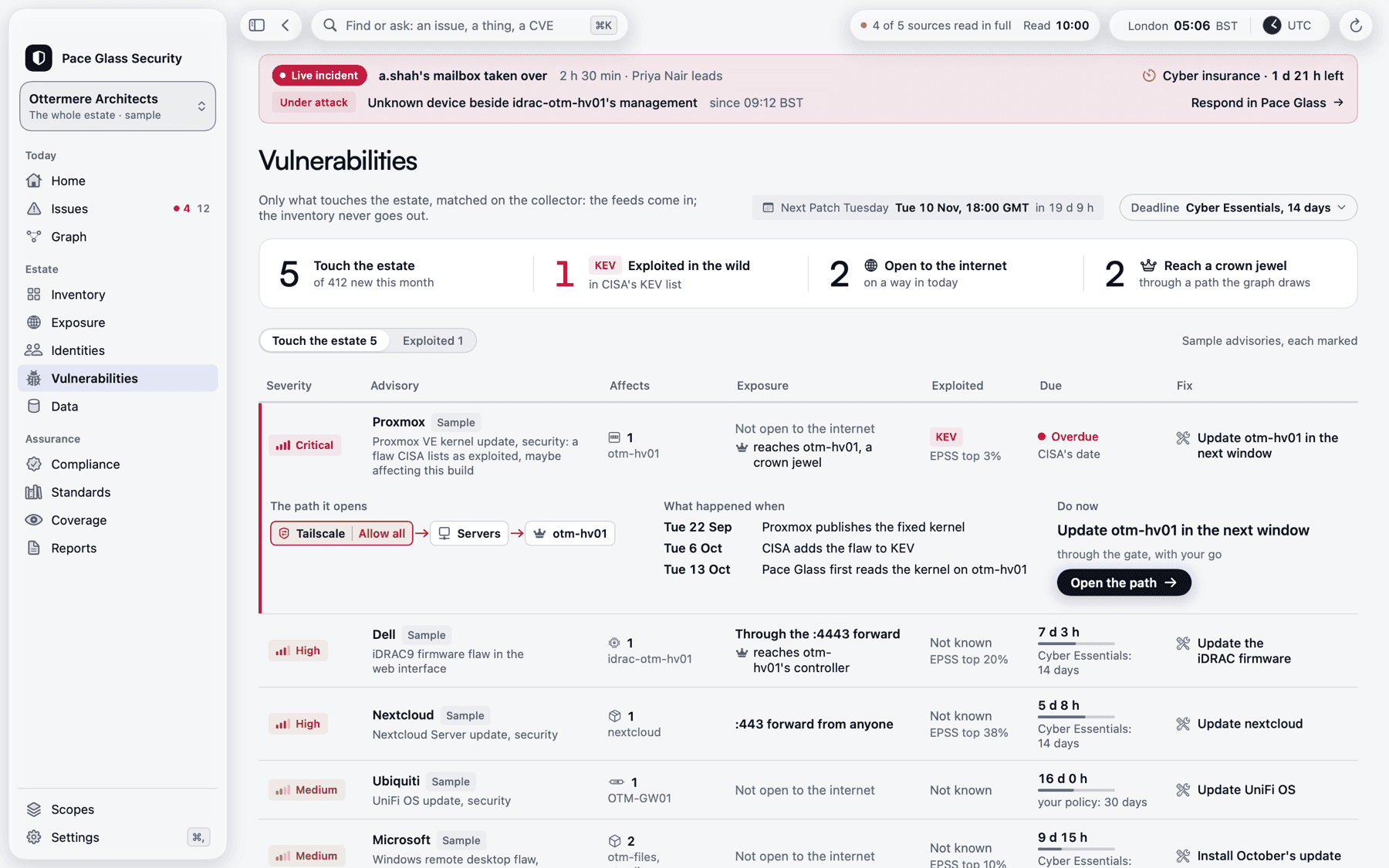
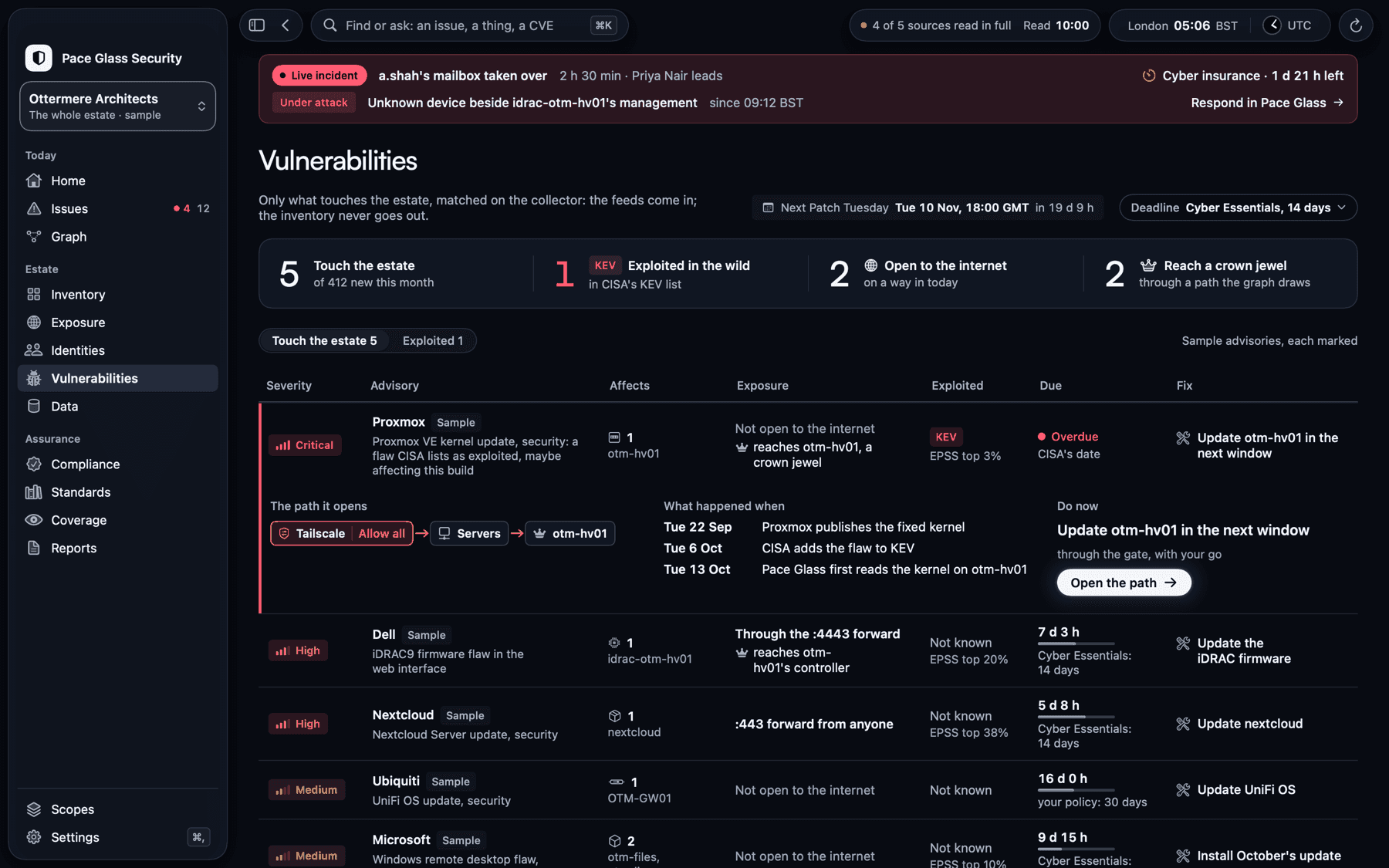
Vulnerabilities: advisories matched to what the estate runs.
See it on your own estate.
Tell us about the estate you look after: the servers, the network, the Microsoft 365 tenant and who is on call. We reply within one working day.